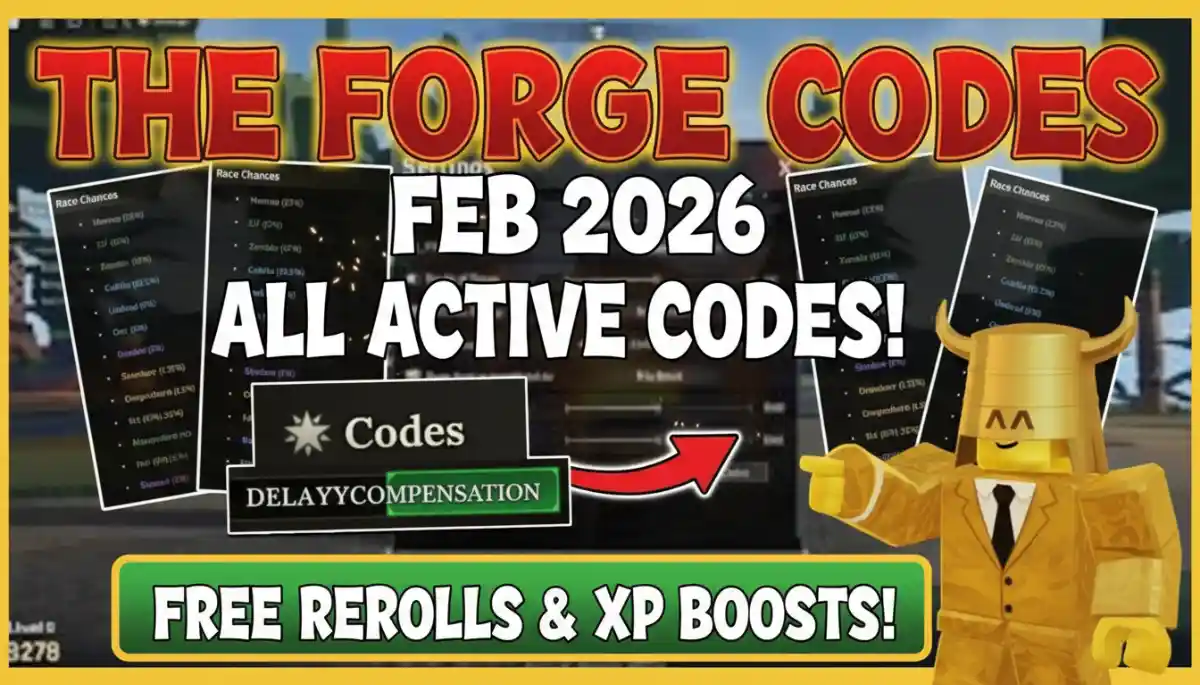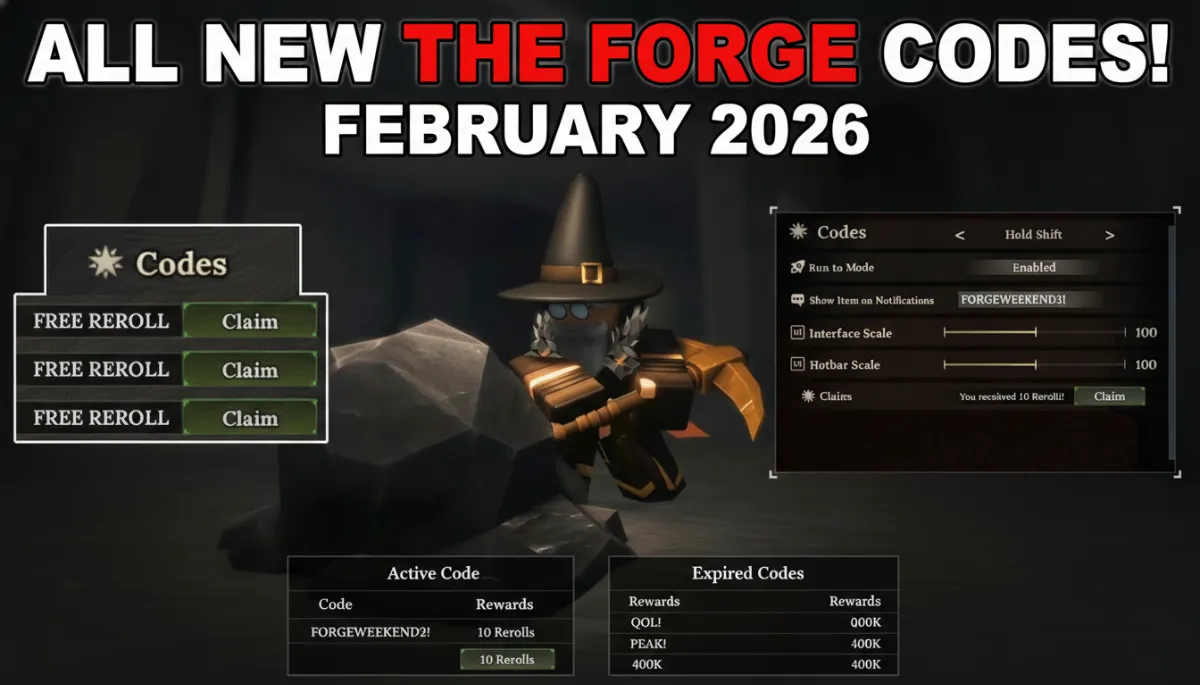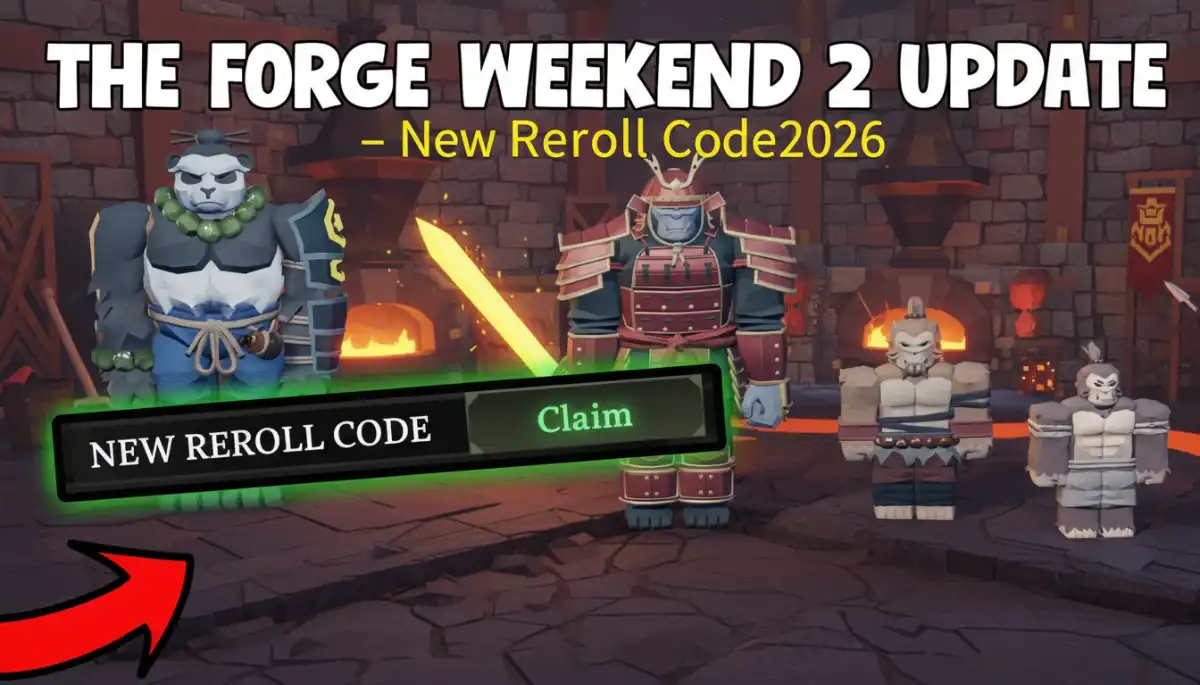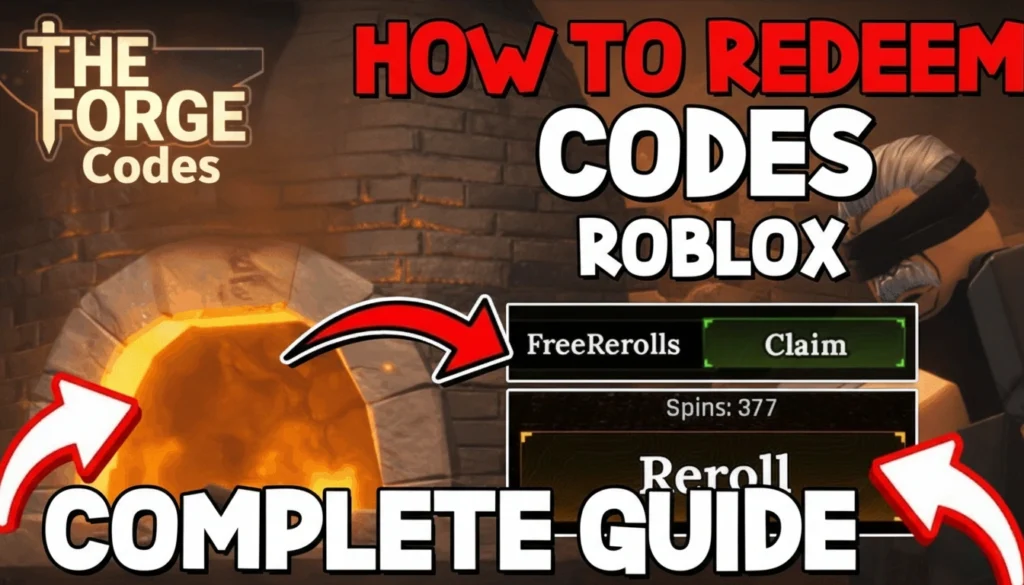
Redeem codes in The Forge Roblox is super easy and super quick. These codes give you free rerolls, luck totems, and other awesome rewards to help you get ahead. This simple step-by-step guide explains everything clearly, so even new players can do it without getting stuck.
How to Redeem Codes in The Forge Roblox
What Are The Forge Codes?
Codes in The Forge Roblox are like secret passwords made by the game developers. When you type them correctly in the game, you get free prizes right away. These prizes often include rerolls to change your race or class, plus helpful items like totems. Rerolls let you pick better options to make your character stronger faster. Codes don’t last forever though, so use them quick before they expire.
Why Redeem Codes in The Forge?
Free rewards make playing The Forge way more fun and easier. Imagine getting extra rerolls or totems without hours of mining or crafting. That saves tons of time! New players love them because they help catch up to pros right away. Everyone in Roblox games like The Forge grabs these freebies to boost their progress.
How to Redeem Codes
Ready to grab your rewards? Just open The Forge and follow these easy steps one by one. Take your time. No rush!
- Start the game: Open Roblox on your phone, tablet, or computer. Search for The Forge and click Play. Wait until the game world loads all the way.
- Find the settings: Look up at the top of your screen. You’ll see a gear icon (it looks like a little cogwheel) or a settings button. Tap or click it to open the menu.
- Scroll to codes: In the settings menu, slide your finger or mouse wheel down slowly. Keep going until you reach the very bottom. That’s where the codes area is hiding.
- Type your code: Click or tap inside the empty box labeled “Type code here” or “Enter code”. Carefully copy and paste (or type) the code letter by letter. No extra spaces or wrong letters!
- Claim it: Right next to the box is a “Claim” or “Redeem” button. Press that, and boom. Your free stuff appears instantly!
All done! Open your inventory bag to see the new rerolls or totems ready to use.
Common Problems and Fixes
Sometimes codes don’t work at first. Don’t worry, it’s usually a quick fix. Here’s what to check:
- “Invalid code” error: You might have a typo. Double-check every letter and number. Codes care about uppercase/lowercase, so type exactly like shown.
- “Code expired” message: That code is too old and not active anymore. Hunt for fresh ones from Discord or updates.
- No rewards show up?: Close the game fully and join The Forge again. Rewards sometimes need a refresh.
- Trouble on mobile?: Fingers slip easy. Zoom in or use copy-paste. The steps work the same on phones or PCs.
Where to Find More The Forge Codes
The developers share new codes on the official The Forge Discord server first. Join it for instant alerts! Also check the Roblox game page, group wall, and YouTube videos from popular creators. Bookmark this page on theforgecode.com. We update code tips weekly. Set a reminder to check back often.
Tips for Redeeming in The Forge
- Always redeem new codes the second updates happen. They fill up fast!
- Play during special events for secret bonus codes.
- Tell your friends about good codes so you team up stronger.
- Save screenshots of working codes for next time.
If You Have Any questions? Leave a comment we reply fast.
Also Read:- Easy Fixes for The Forge Code Errors (2026 Guide)