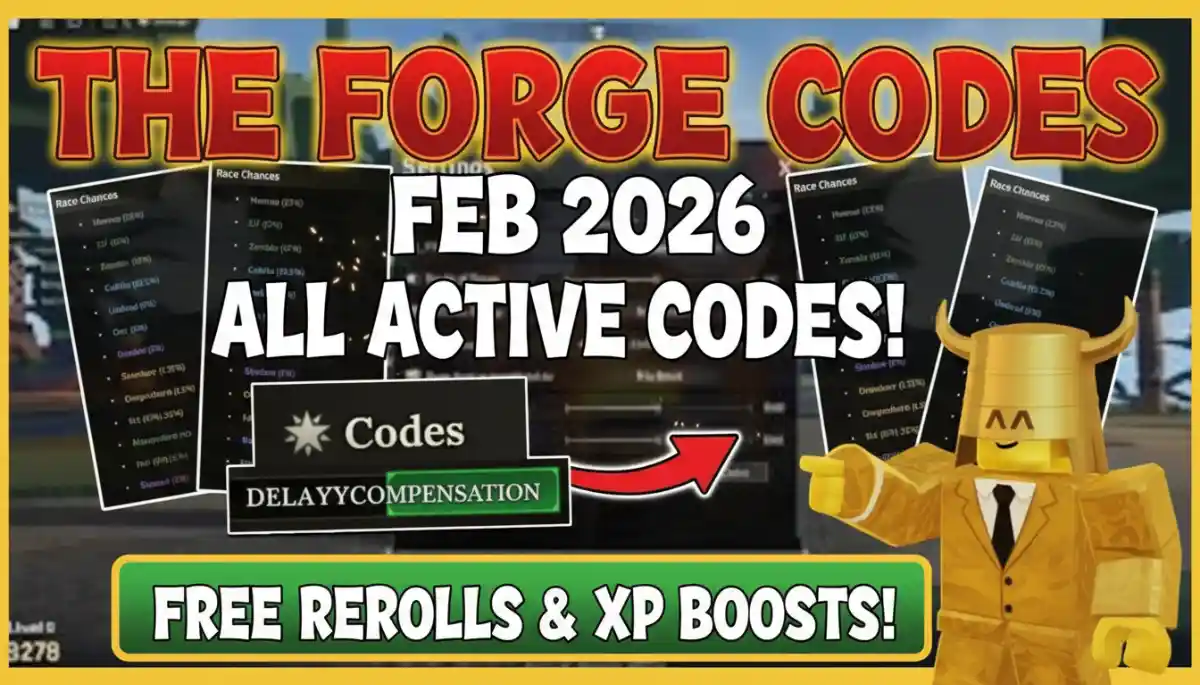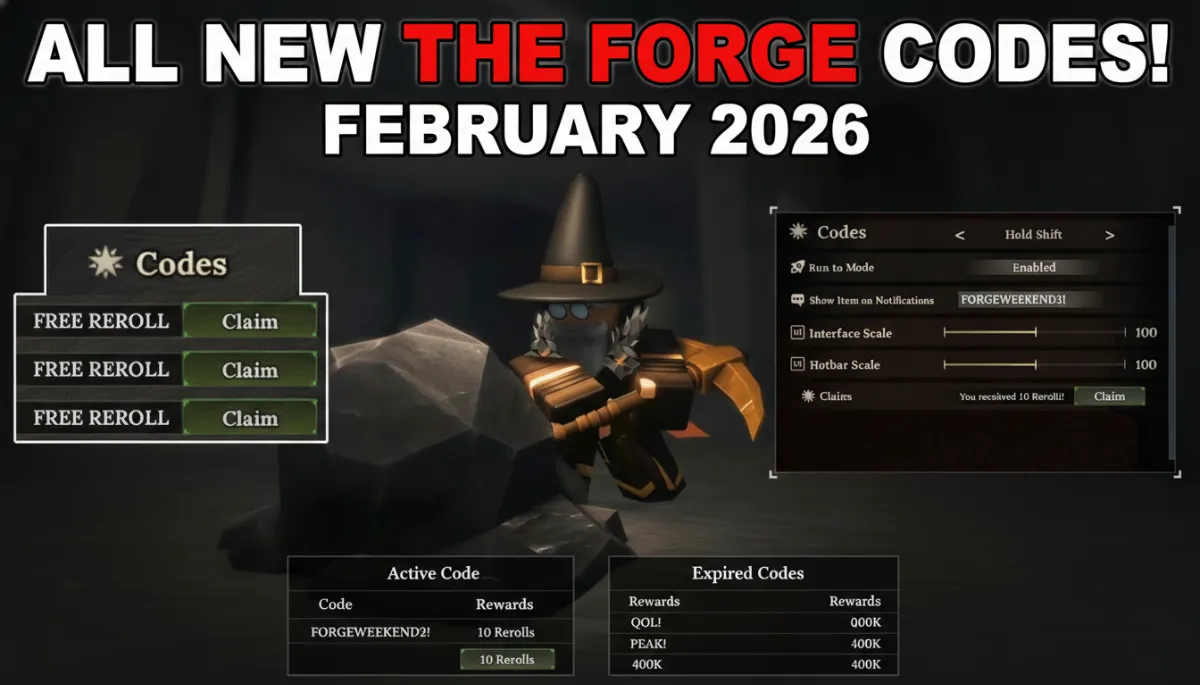
Updated The Forge Roblox Codes January 2026: The Forge gives players special codes for free helpful items. These items include rerolls to change traits, potions to boost powers, and totems to help with mining. New codes come out with big updates, like the Hidden Maze added in January 2026
Updated The Forge Roblox Codes January 2026
Codes Details
Active codes remain valid for immediate use and provide targeted benefits. The table details the two current codes, their exact rewards, and primary uses as of January 2026.
| Code | Rewards | Status |
|---|---|---|
| MAZE! | 5x Rerolls, 3x Fungi Potion | Expired |
Rerolls allow selection of optimal character traits for combat or resource gathering. Fungi Potions temporarily double fungi-related drops, while Miner Totems offer lasting efficiency gains.
How to Find New Codes
Players discover new codes through reliable sources and official channels. Developers announce them during updates, milestones, or events to keep the community informed.
- Monitor the game’s official Roblox group page and description for pinned announcements containing active codes.
- Check the developer Discord server, where codes appear in announcements or dedicated channels for immediate access.
- Visit gaming websites like Beebom, AK_SM_World, Pro Game Guides, GamesRadar, and Pocket Tactics that update code lists regularly after verification.
- Watch YouTube channels (@fireatacck_rblx) focused on Roblox updates, as videos often reveal codes in the first few minutes of new content.
- Follow the game’s Twitter or X account (@RobloxTheForge) for real-time posts about fresh code releases tied to events or patches.
Regular checks of these sources ensure players claim rewards before expiration. Bookmark trusted sites and enable notifications for consistent updates.
Expired Codes Reference
Expired codes no longer activate but illustrate past reward patterns. Developers discontinue them to refresh content, often after reaching like milestones or holidays.
| Code | Rewards (Past) |
| FORGWEEKEND! | 10x Rerolls, 1 Miner Totem |
| RAVEN | 5 Rerolls, 150x XMAS |
| HAPPYNEWYEAR | 1 Miner Totem, 10 Rerolls |
| FORGE2M | 1 Miner Totem, 2 Rerolls |
| SORRYFORBUGS | 10 Rerolls |
| XMAS! | 5 Rerolls |
| SORRYFORDELAY | 5 Rerolls |
| HEART | 10 Rerolls |
| FORG! | 10 Rerolls |
| FREESPINS | 8 Rerolls, Luck Totem |
| PEAK! | 10 Rerolls |
| 400K! | 8 Rerolls |
| SORRYFORSHUTDOWN | 5 Rerolls |
| 300K! | Luck Totem |
| 100KLIKES | 10 Rerolls |
| 200K! | Various rerolls |
| 100K! | Various rerolls |
| 40KLIKES | Various rewards |
| 20KLIKES | Various rewards |
| 15KLIKES | Various rewards |
| 10KLIKES | Various rewards |
| 5KLIKES | Various rewards |
| BETARELEASE! | Various rewards |
| POSTRELEASEQNA | Various rewards |
| RELEASE | Various rewards |
Code Redemption Process
Players redeem codes through a clear sequence of steps within the game interface. Each step ensures accurate activation and reward delivery.
- Enter The Forge on Roblox and select a server: Begin by launching the Roblox platform and navigating to The Forge game page. Choose an active server with low ping for smooth performance, then load into the game world.
- Open Settings from the top left menu: Once inside the game, locate the gear icon or Settings button positioned in the upper left corner of the screen. Click it to reveal the options panel containing various game adjustments.
- Locate the Codes area at the bottom: Within the Settings panel, scroll downward to find the dedicated Codes section near the lower portion. This area displays a text input field specifically designed for code entry.
- Input the code exactly as listed: Carefully type or paste the code from the active list into the provided text box. Precision matters, as codes distinguish between uppercase and lowercase letters to prevent errors.
- Select Claim to add rewards: Press the Claim button adjacent to the input field. Successful entry triggers an on-screen confirmation, and rewards transfer instantly to the player’s inventory for immediate application.
This method functions reliably across all supported devices and platforms. Players can confirm by checking their inventory or active effects panel after completion.