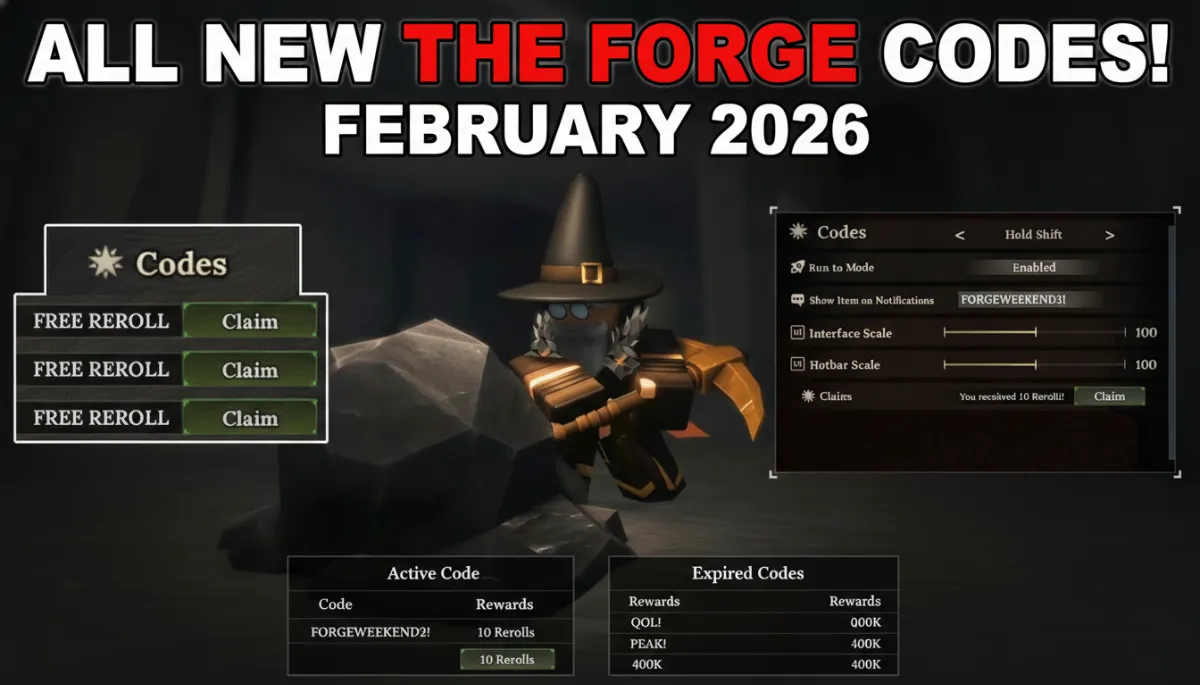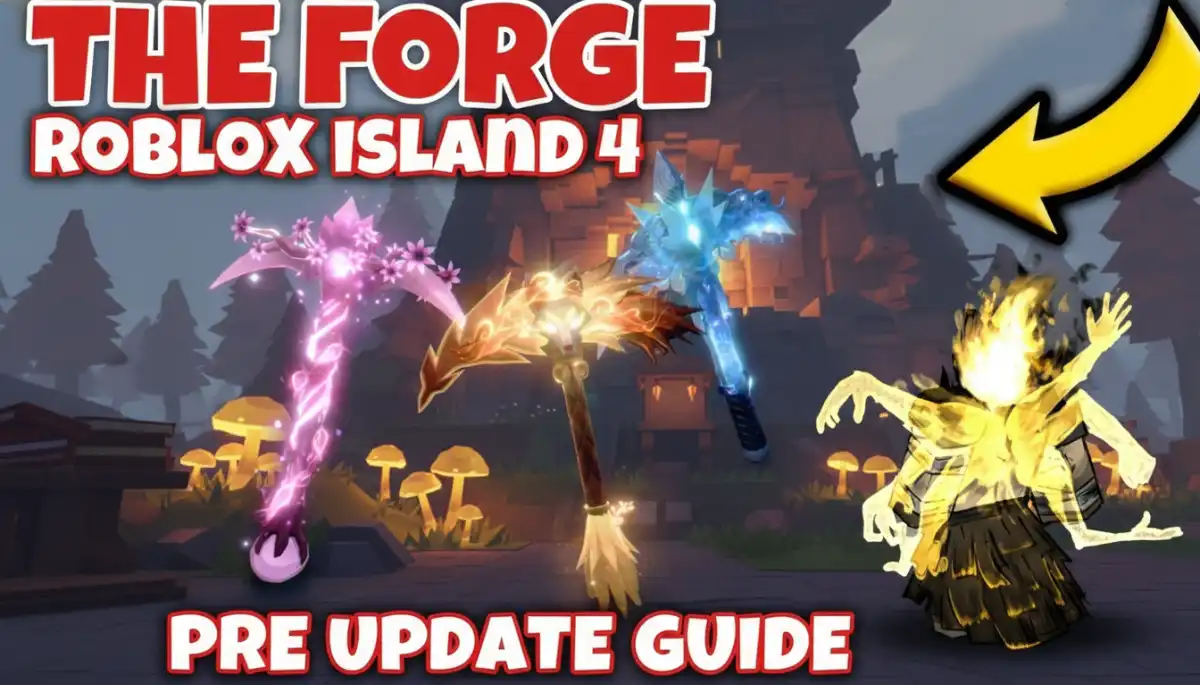
The Forge Codes Feb 2026 All Active Codes: This article lists working codes for The Forge, a popular Roblox game. Codes give free items that help you play better and move faster in the game. In The Forge, you dig for colorful ores underground, make strong swords and hammers, fight monsters like skeletons, and try to become the best forger of all. These tasks take many hours, but codes let you get helpful rewards without buying anything.
The Forge Codes Feb 2026: All Active Codes
Active Codes
| Code | Rewards | Status |
| DELAYCOMPENSATION | 20 Rerolls, 1 XP Totem | Active |
The table above shows the one code that works right now. Developers created DELAYCOMPENSATION to give players extra items after some game problems occurred. Enter it exactly as shown, using all capital letters, because codes are case-sensitive.
Recently Expired Codes
Several codes stopped working recently as developers updated the game. Here is a list of recently expired codes that players tried to use:
| Code | Rewards Previously Given | Status |
| FORGEWEEKEND5! | 10 Rerolls | Expired |
| FORGEWEEKEND4! | 10 Rerolls | Expired |
| FREESPINS | 8 Rerolls, 1 Luck Totem | Expired |
These codes no longer work because their special time periods have passed. Players who enter them will see a message saying the code does not exist or has expired.
How Codes Help Players
Rerolls let players change their character’s race or abilities to find a better match for their play style. Different races give unique bonuses, such as faster mining or stronger attacks. The XP Totem increases experience points earned from activities like mining ores and defeating enemies, which helps characters level up and unlock new skills faster. Luck Totems from expired codes improve chances of finding rare items. These rewards save players from spending Robux, the game’s premium currency.
Steps to Use the Code
Follow these clear steps to enter the code and claim rewards. The process works on all devices, including mobile and PC:
- Start The Forge game on Roblox and wait for it to load completely.
- Find the gear icon (settings button) located at the top left of your screen.
- Click the gear icon to open the settings menu.
- Scroll down slowly until you see the box labeled “Codes” or “Type Here.”
- Type DELAYCOMPENSATION carefully, using all capital letters with no spaces.
- Press the Redeem or Claim button next to the box.
- Look in your inventory to confirm you received 20 Rerolls and 1 XP Totem.
Each code works only one time per player account. If the game says “Code does not exist,” check your spelling. If it says “Code has expired,” wait for a new one. No special requirements exist to redeem codes.
Where Codes Come From
Game developers release codes during special events, updates, or to fix problems in the game. They share new codes on official social media pages, Discord servers, or Roblox group walls. Players should check trusted websites like theforgecodes.com regularly for the newest lists and bookmark them for easy access.
Tips for Best Use
Save the XP Totem for times when you plan to play longer sessions, such as exploring new areas like the Forgotten Kingdom or completing quests. Use the Rerolls early to build a strong character before advancing to harder parts of the game, like fighting skeletons or mining rare ores. This approach helps players progress smoothly through The Forge world. Watch for new weekend codes, as they often appear on Fridays.